Agentic development
Every page on the Arcade docs site serves as markdown. When an AI or coding assistant visits any docs URL, the site automatically returns Content-Type: text/markdown instead of HTML if:
- The request
User-Agentheader matches a known AI (Claude, ChatGPT, Cursor, etc.) - The request includes the
Accept: text/markdownheader
This means you can point your directly at any docs page. No need to copy and paste or use the llms.txt file. The agent will receive well-formatted markdown out of the box.
For example, you can tell your to visit docs.arcade.dev/get-started/quickstarts/call-tool-agent and it will automatically get the markdown version of that page.
LLMs.txt
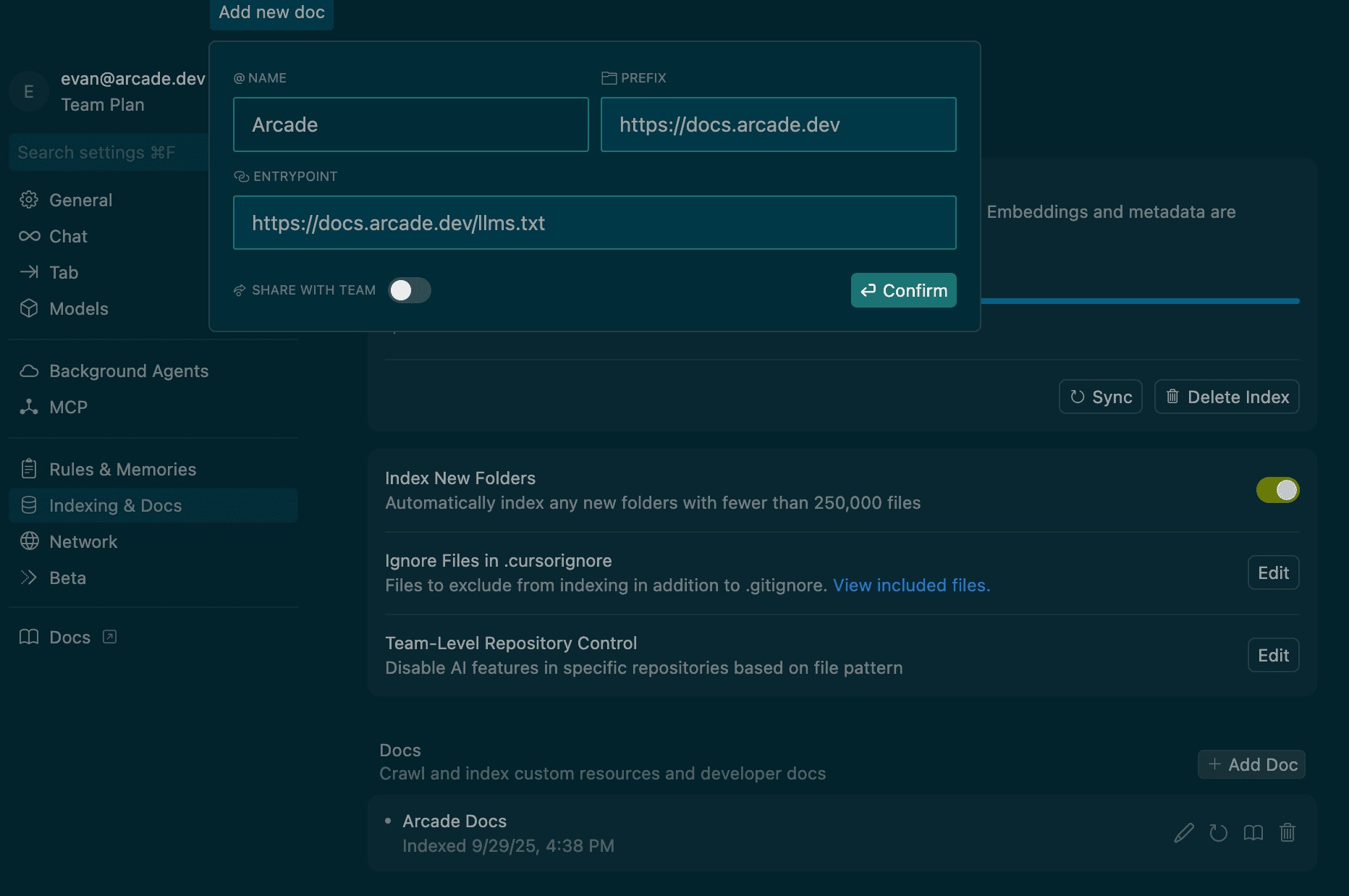
Give your AI IDE access to Arcade.dev’s documentation using the llms.txt file. This allows Claude Code, Cursor, and other AI IDEs to access the documentation and help you write code.
LLMs.txt is a file format that allows you to give your AI IDE access to Arcade.dev’s documentation in a format that the LLM can parse. All you need to do is paste in the content of the file into your IDE’s settings, or reference the docs, for example via Cursor’s @docs annotation.
The LLMs.txt files are available at /llms.txt.
Learn more about the LLMs.txt file format here .